Lotus Love app iconLotus Love

Position plans

Plan the night, or let it surprise you

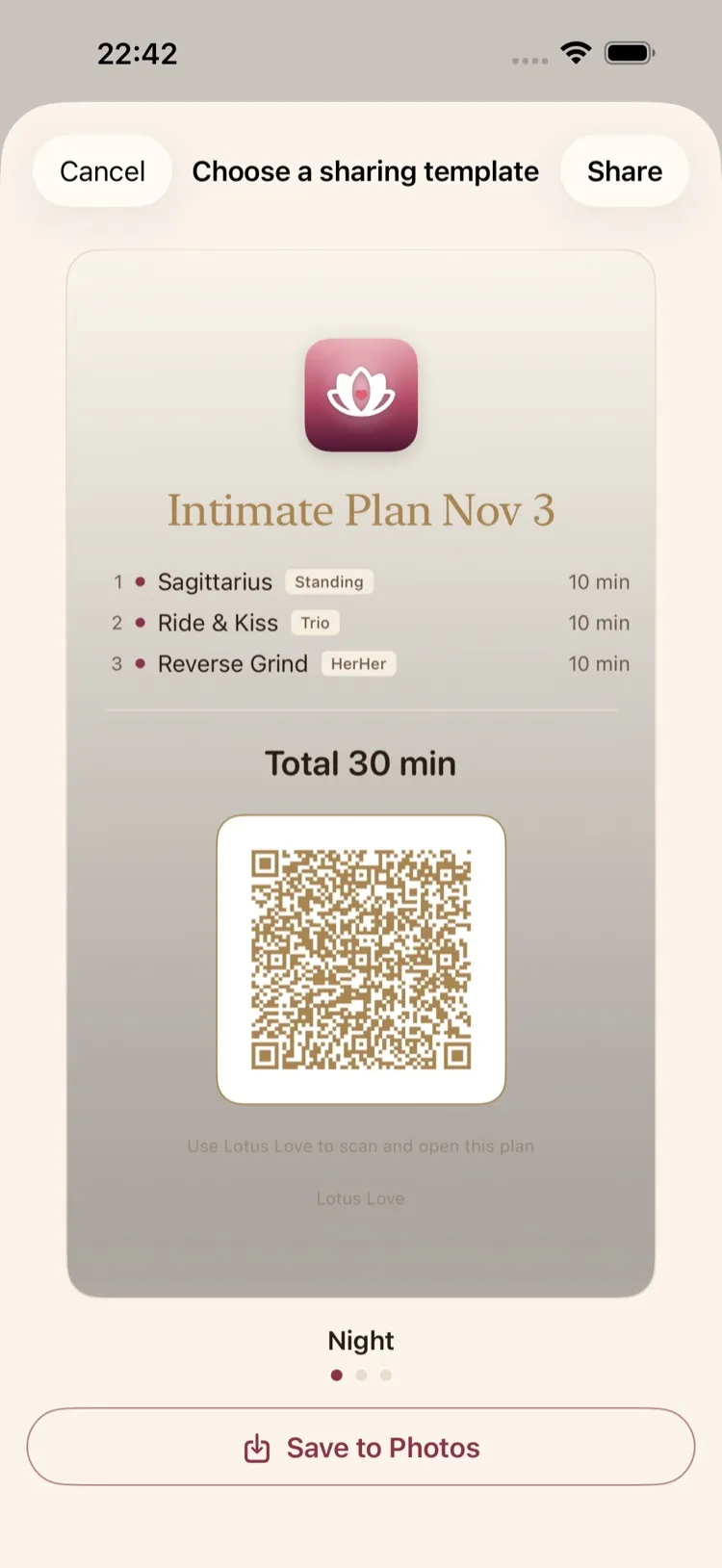
Roll a plan that fits your mood, hand-pick every position, decide whether time matters — then share it with your partner in one scan.

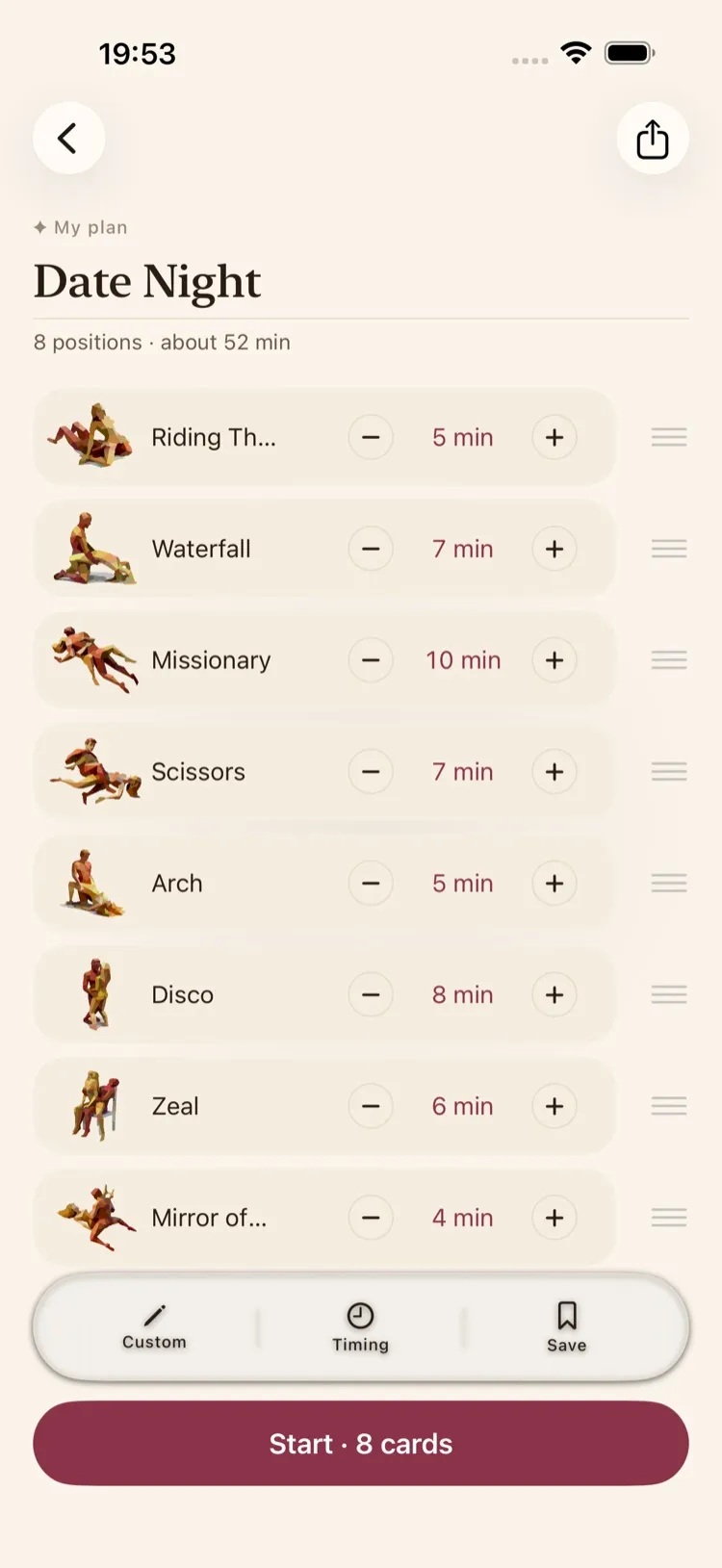
A saved plan in Lotus Love: eight positions, each with its own minutes

Building a plan

Four ways to make it yours

Start from a surprise or from a blank page. Every plan can change until you press start.

One tap

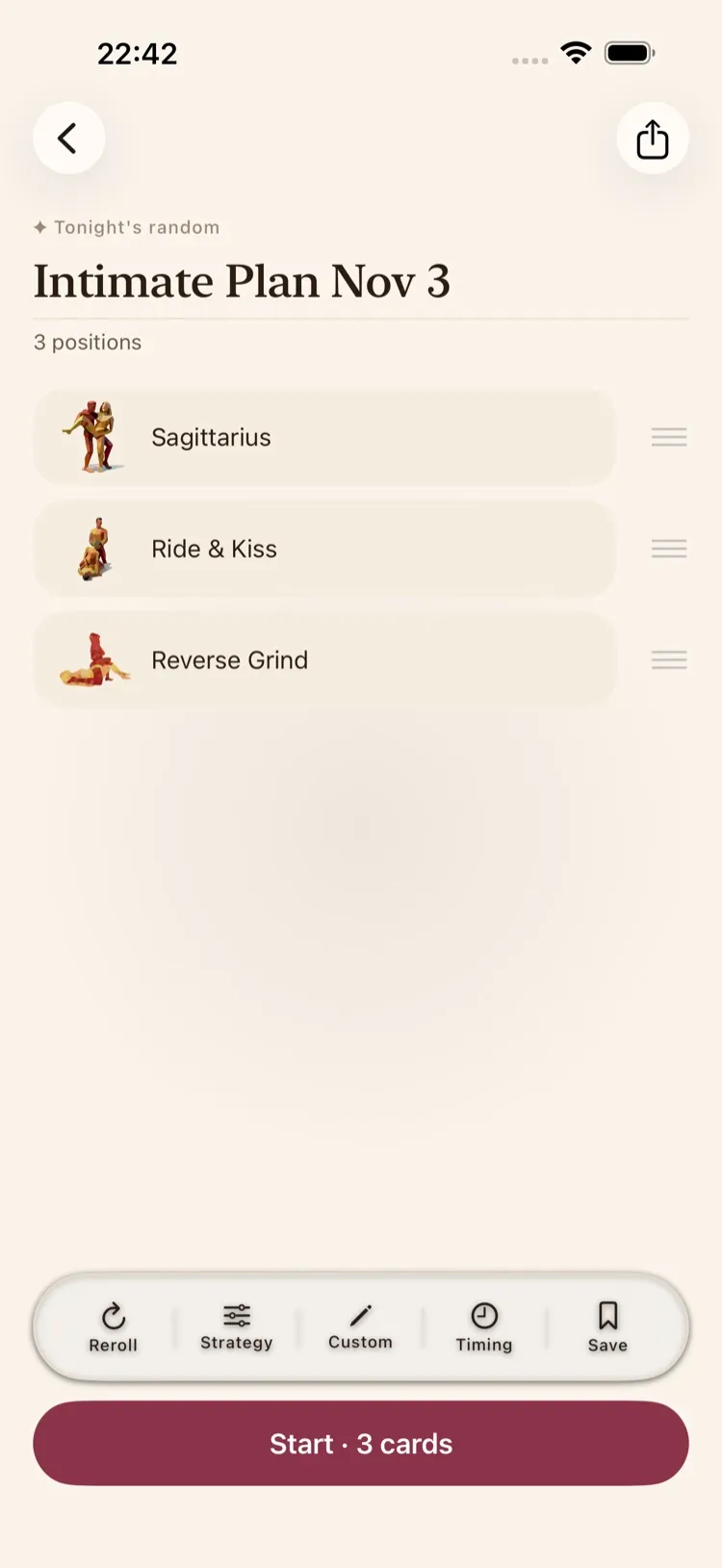
A plan that matches your mood

Tap once and Lotus Love lines up positions for tonight. Not quite right? Roll again, or tell it what you are in the mood for.

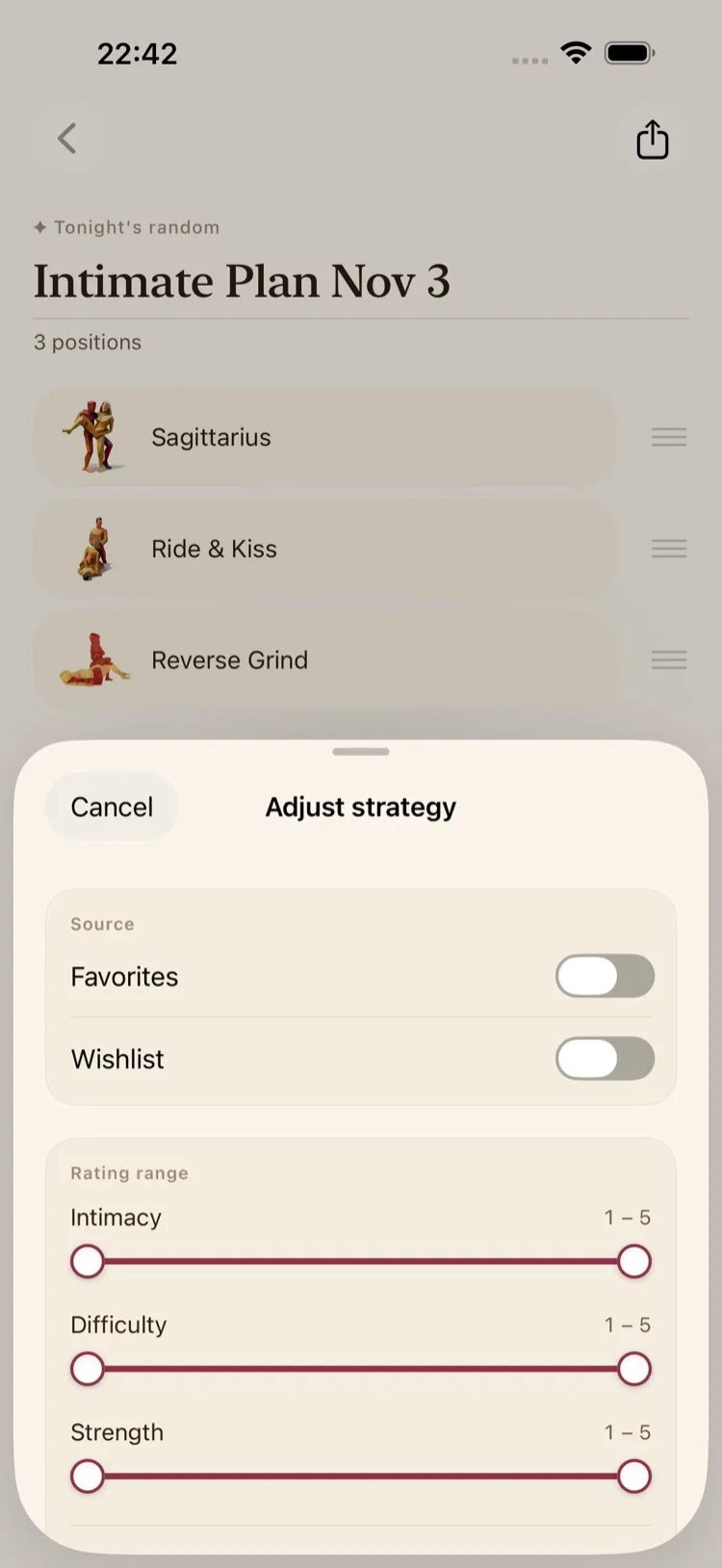
  • Draw from your favorites, your want-to-try list, or both
  • Set how intimate, how tricky and how demanding it should feel
  • Choose how many positions you want
A plan made in one tap, with a roll-again button
Plan settings: where positions come from, mood ranges and how many

Your choice

Pick every position yourself

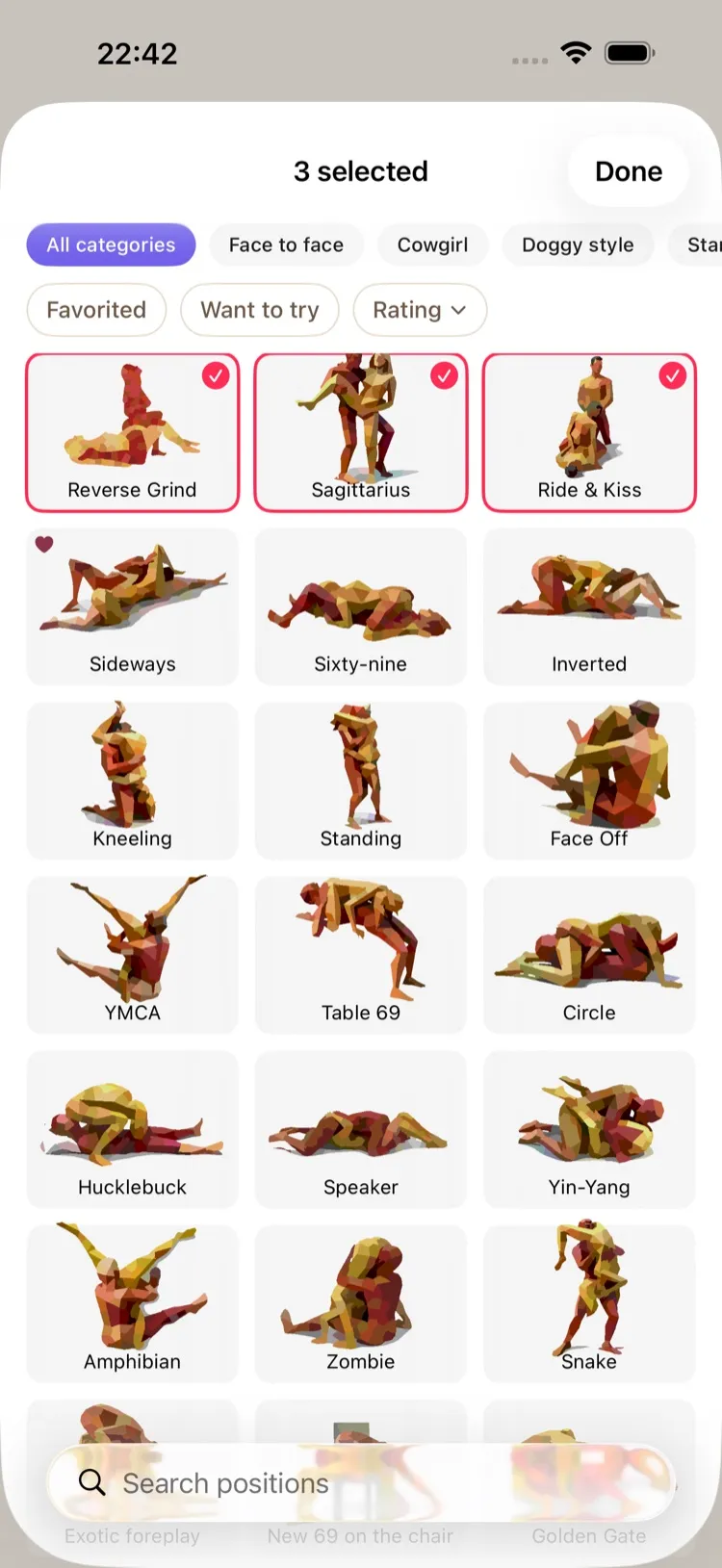
Browse the library and add exactly the positions you want, then put them in the order you like.

  • Add positions from any category you have
  • Drag to reorder
  • Swipe to remove
Choosing positions for a plan from the library

Time planning

Keep time, or lose track of it

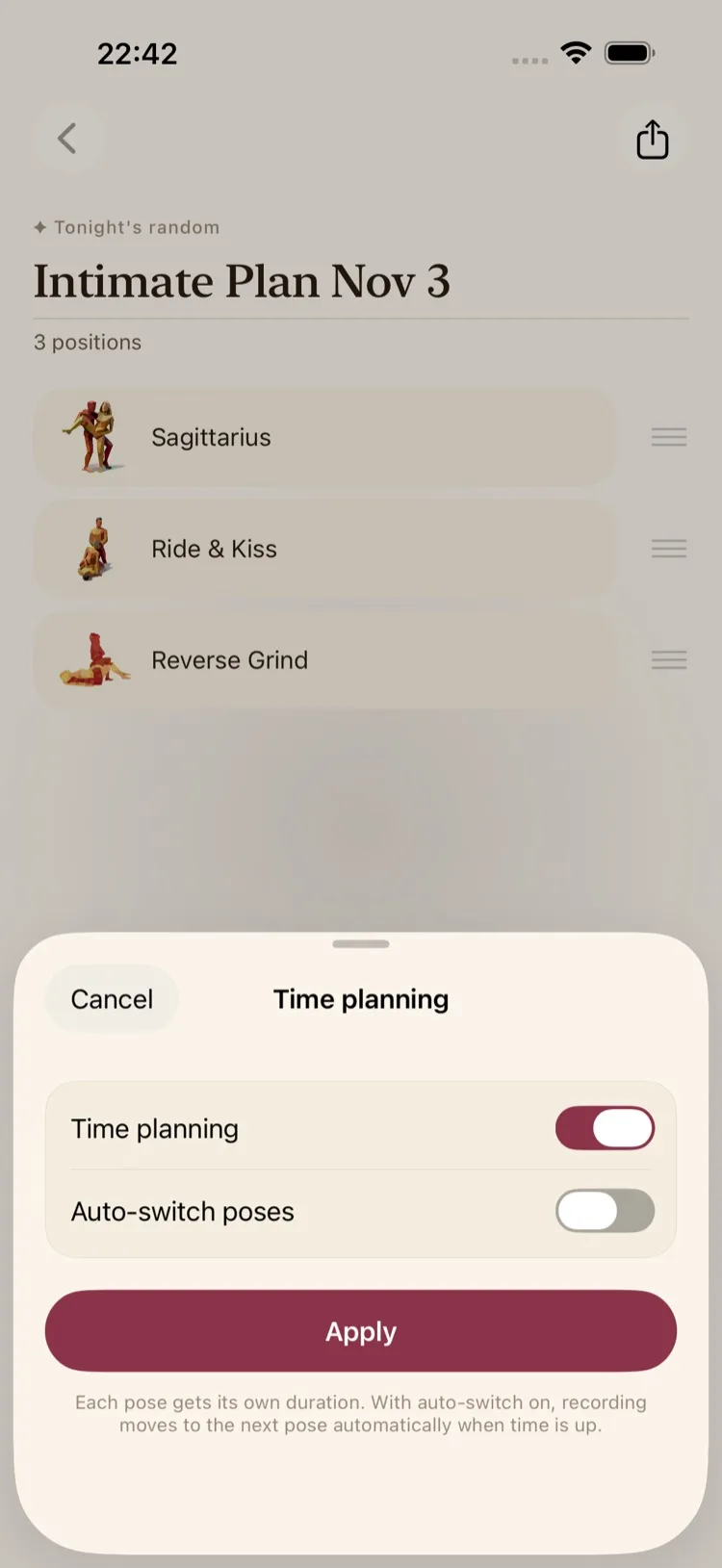
Turn time planning on to give each position its own minutes and see the total. Leave it off and move on whenever you are ready.

  • Minutes for each position, from 1 to 240
  • Optionally move on to the next position by itself
  • Change it any time before you start
Time planning settings with the switch turned on

Save and start

Save it, start it, wear it

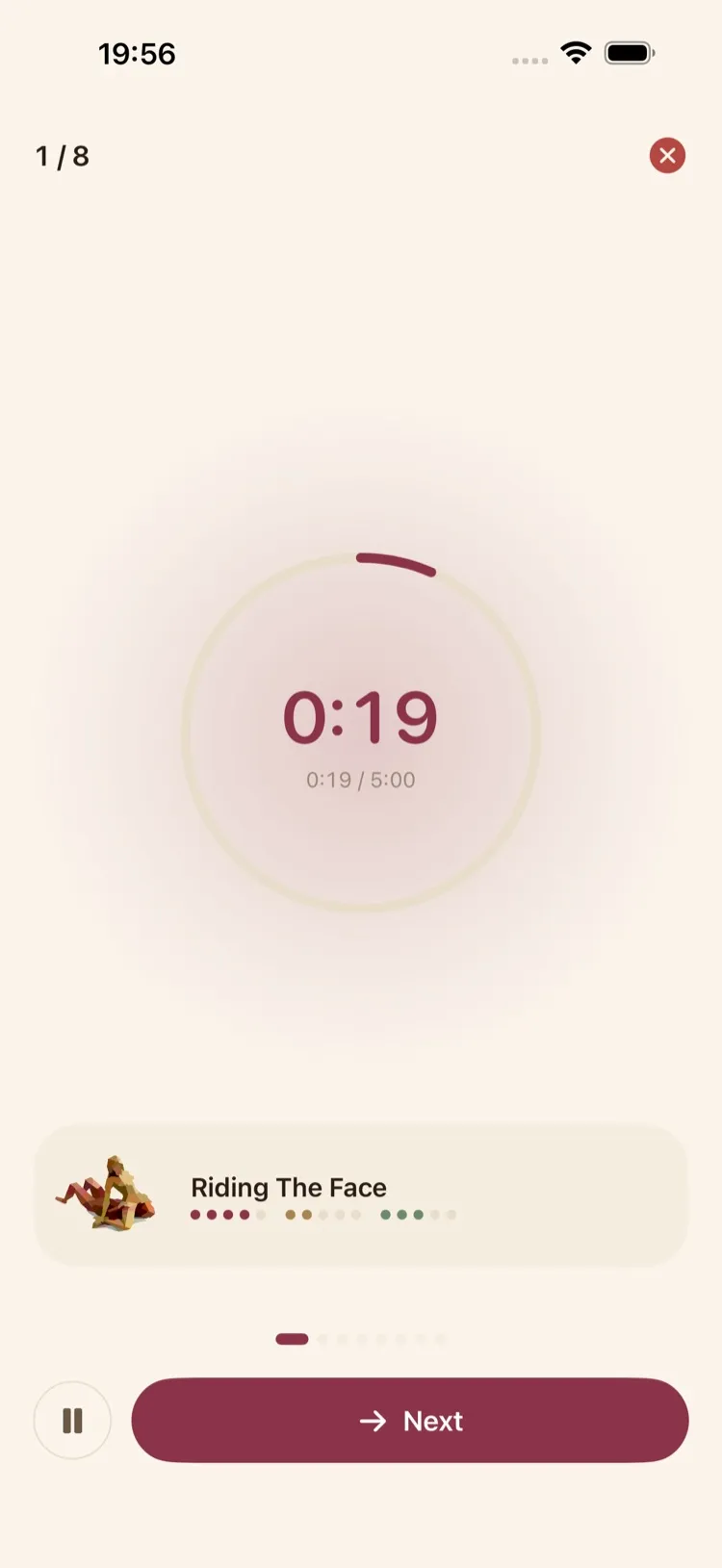
Save the plans you love to reuse them, then start. Your Apple Watch follows along and shows what comes next.

  • Saved plans are one tap away
  • Your progress shows on iPhone and Apple Watch
How it works on Apple Watch
A plan in progress: the timer for the current position and a next button

Editor’s picks

Four plans to scan tonight

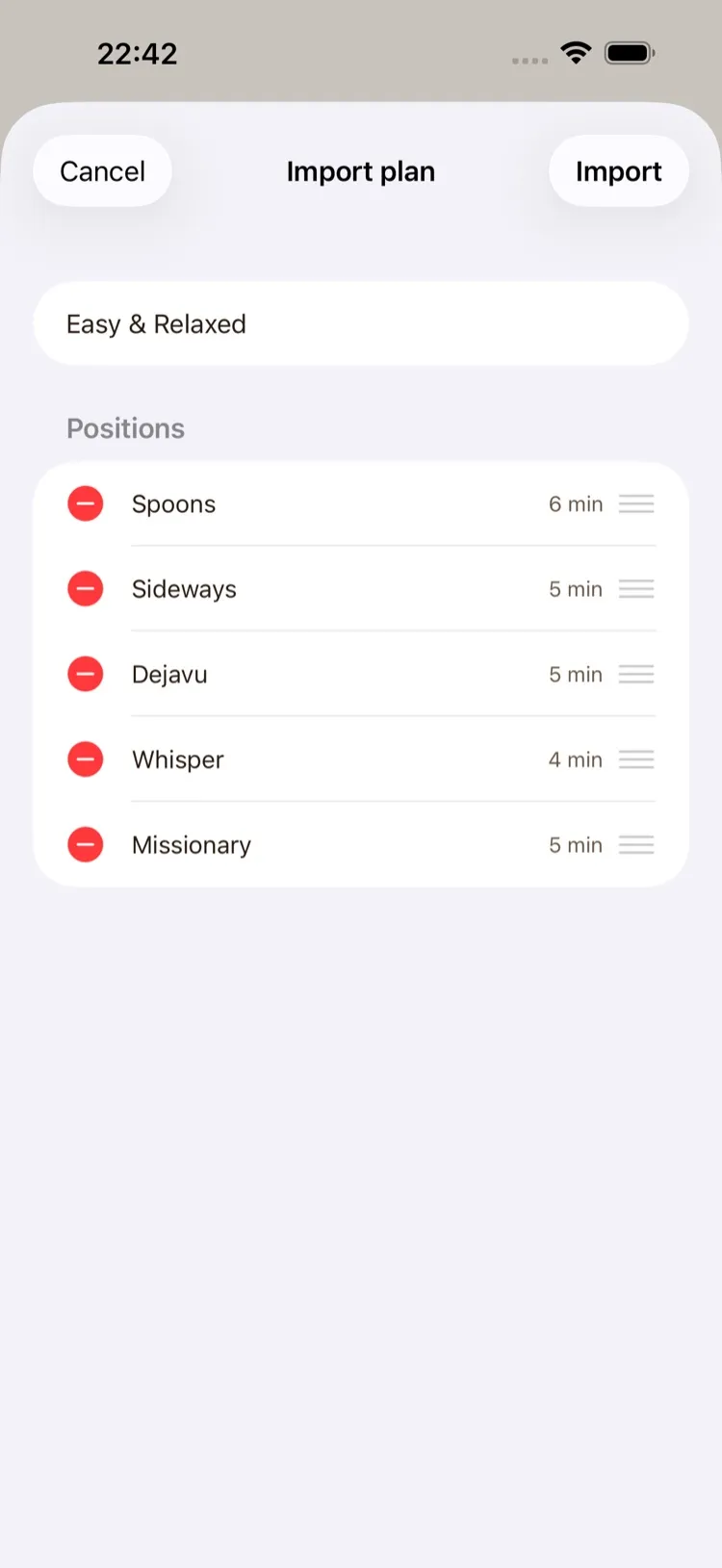
Made from free positions, so anyone with the app can import them. Each one comes with time planning on.

Reading this on your iPhone? Tap “Open in Lotus Love”, or save a QR image and pick it with the photo button in the scanner.

Lotus Love app icon

Build your first plan

Download Lotus Love, roll a plan in one tap and share it with your partner.

Download on the App Store

Requires an iOS device. 18+ only.