Lotus Love app iconLotus Love

Apple Watch

Your wrist keeps the beat. Your phone replays it.

Start on the watch and Lotus Love records heart rate, every thrust and how hard it hit — position by position. Afterwards, replay the whole session on your iPhone and see exactly when it got wild.

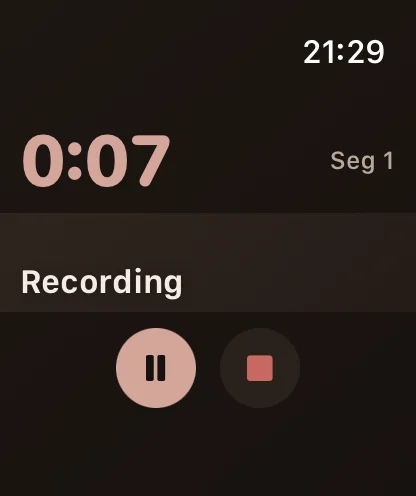
Apple Watch showing the current sex position illustration during a recording

Before you start

How to wear it

Where the watch sits decides what it can feel. Put it where the movement is, and keep it snug.

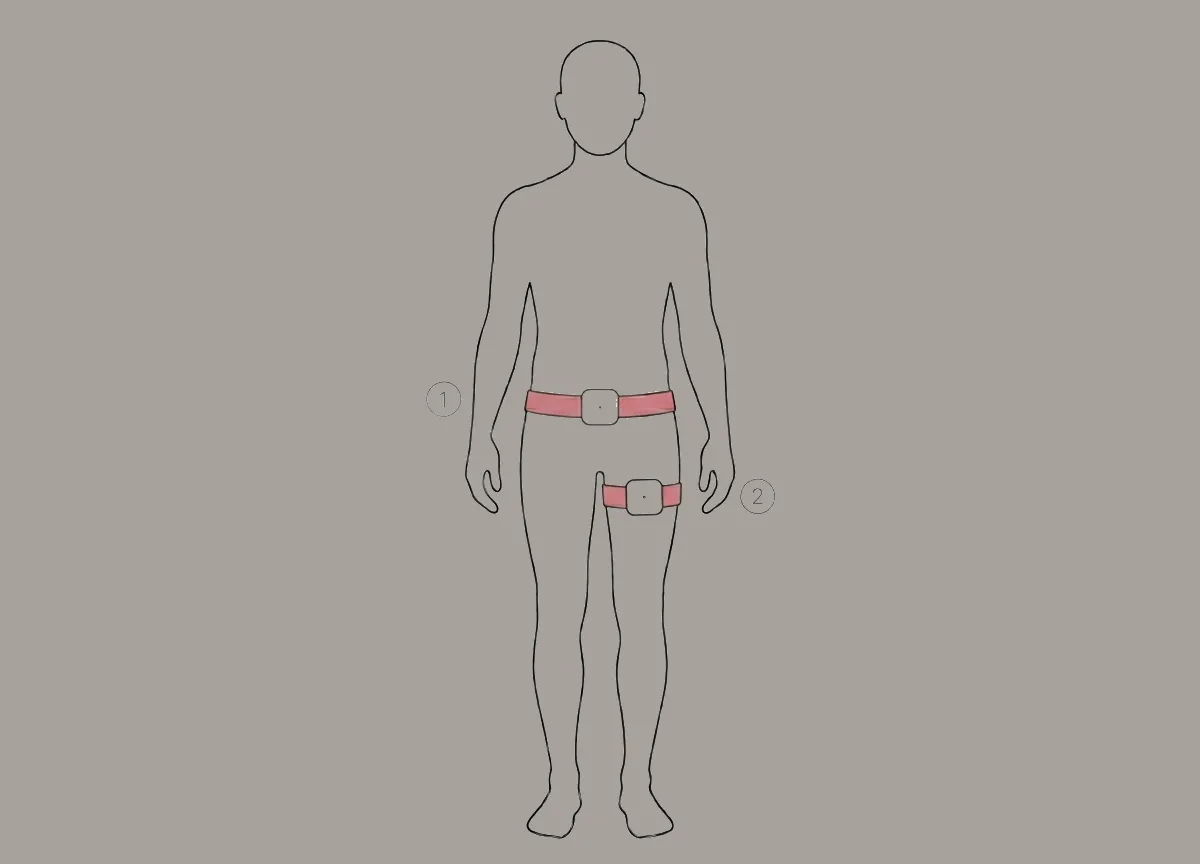
Body outline showing the watch strapped at the waist and upper thigh with an elastic band

Together — strap it to the body

For the clearest rhythm and amplitude, fix the watch with an elastic band at the waist, the top of the thigh or right by the action. Bring your own elastic band and strap adapter.

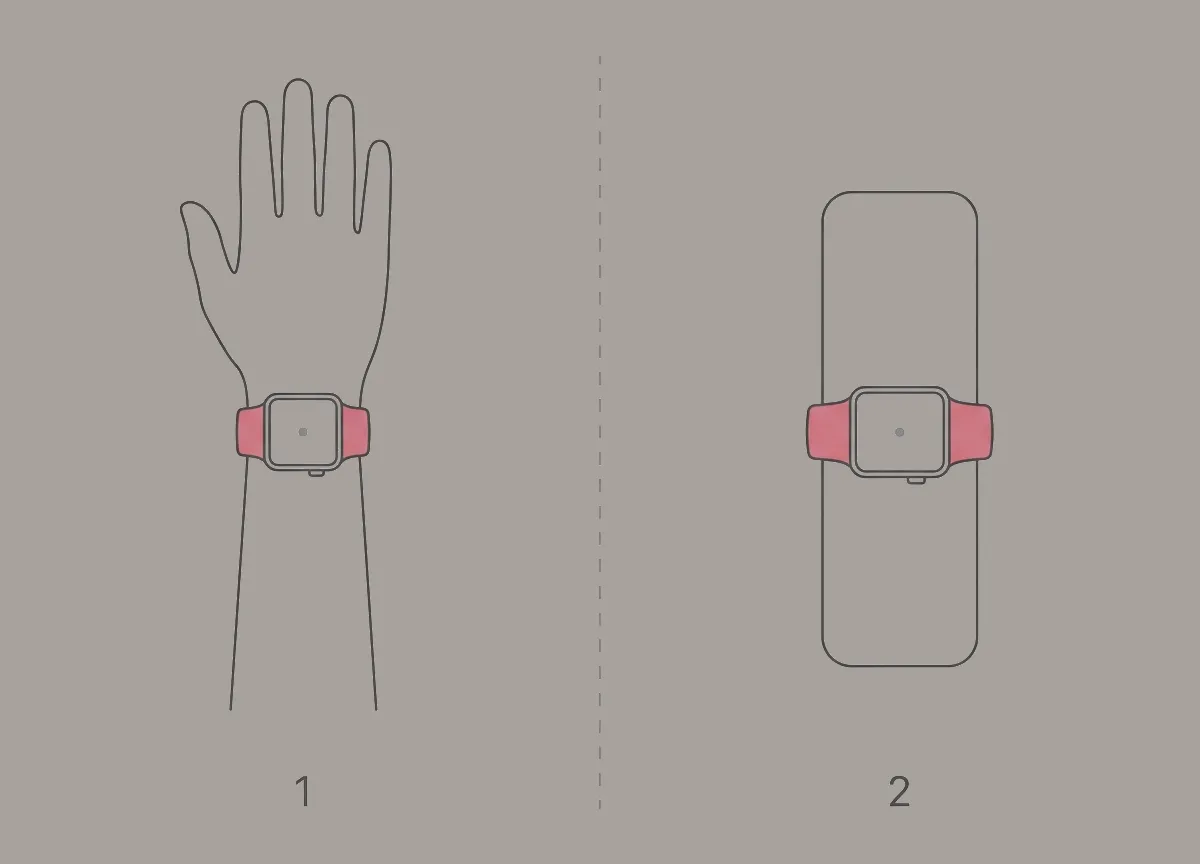
Watch worn on the wrist, and watch strapped to a handheld toy

Solo — wrist or toy

Wear it on your wrist as usual, or strap it to your toy so it records the stroke frequency and amplitude directly.

While you play

  1. Start on the watch

    Motion and heart rate are only recorded when the session is started from the watch.

  2. Turn the crown

    The Digital Crown flips between the timer and a full-screen illustration of the current position. With timed plans, the watch taps your wrist and moves on by itself.

  3. Sync when you are done

    End the session on the watch, then open Lotus Love on your iPhone to pull the recording across. Until then it waits safely on the watch.

Three ways to record

Plan it, roll the dice, or just hit start

Every mode records the same sensor data. They differ in how you choose what comes next.

01 · Planned

A position list, planned ahead

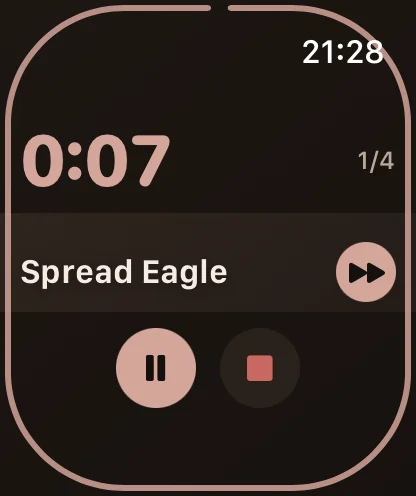
Pick the positions you have been wanting to try, set their order and how long each lasts on your iPhone, then follow along on your wrist. The timer counts down, the watch taps you, and a voice can call out the next position.

  • Your own order and timing
  • Auto-advance with a tap on the wrist
  • Optional voice announcements
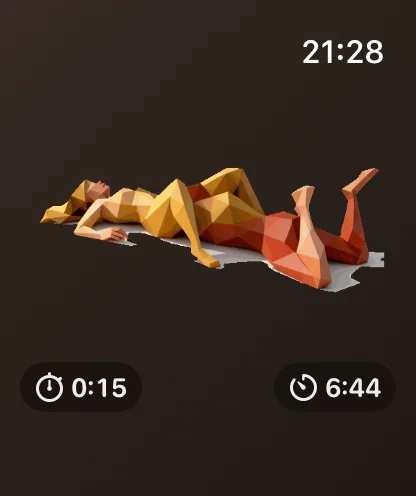
  • Full-screen position illustration
Watch recording a planned session: countdown, position name and next button
Countdown for the current position
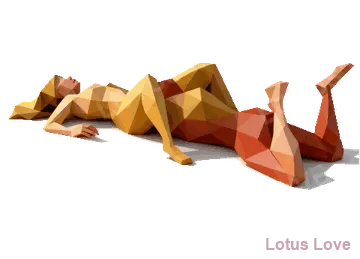
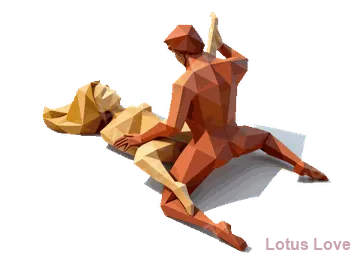
Watch showing the full-screen illustration of the current sex position
Turn the crown for the illustration

02 · Random

Let chance pick the next one

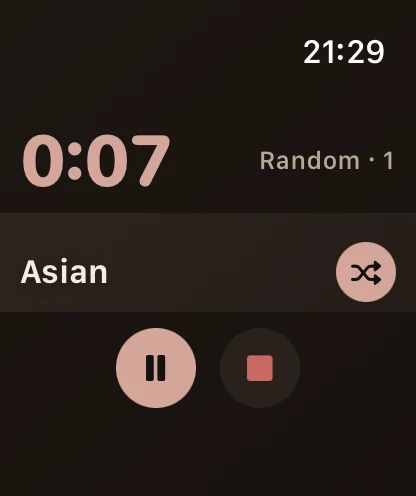
No plan, no pressure. Every tap draws a fresh position from your library, so the night keeps surprising you — and you end up trying things you would never have picked.

  • A new position on every tap
  • Draws from your own library
  • Great for breaking routines
  • Same full recording as a plan
Watch recording a random session with a shuffle button
Shuffle to the next position
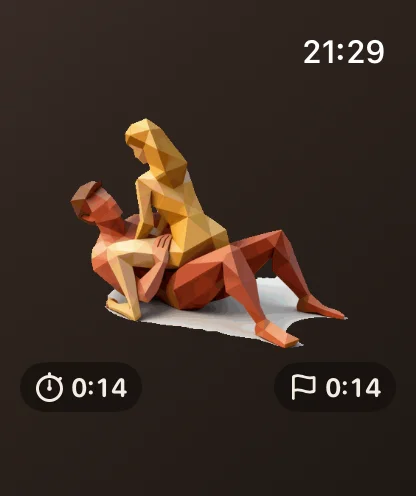
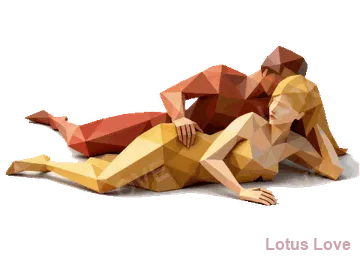
Watch showing the illustration of the randomly drawn sex position
See what you drew

03 · Timer only

Just the clock — stay in the moment

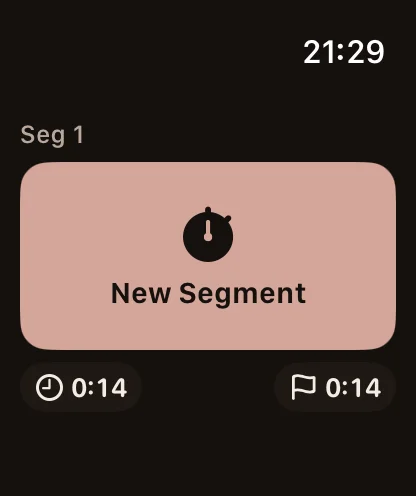
Nothing on screen to follow, nothing to decide. The watch simply records. Tap New Segment whenever you switch things up, and fill in the positions on your iPhone afterwards.

  • No positions to choose up front
  • Mark segments as you go
  • Assign positions later on iPhone
  • Still records rhythm and heart rate
Watch recording a timer-only session
Just the time
Watch segment page with a New Segment button
Mark a new segment

On your iPhone

Replay the whole session

Every recording syncs to your phone as a timeline you can play back: the raw motion waveform, thrusts per minute, how hard each one landed and your heart rate — split by position, so you can see which one really did it.

  • Play, pause and scrub through the session
  • Speed it up to 16×
  • Waveform, frequency, intensity and heart rate
  • Stats for every position
  • Sound clips play back on the same timeline

Sensor data

0:00 / 29:43

Position 1 of 6

Spread Eagle

A real 30-minute recording from an Apple Watch, replayed below. Heart rate was off for this one.

Two watches, one record

Merge both of your curves

Each of you wears an Apple Watch and records. Afterwards, share your record with your partner using a share code, and they merge it into their record of the same session. Both of your waveforms, frequencies and intensities land on one timeline — so you can see exactly who was putting in the work, and when. Show or hide each person's curves with a tap.

  • Each of you wears a watch and records
  • Share with a code, merge into one record
  • Both curves on the same timeline
  • Tap a name to show or hide it

Sensor data

0:00 / 29:43

Demo: two real Apple Watch recordings laid over each other, for illustration.

Lotus Love app icon

Put it on tonight

Lotus Love works on its own on iPhone; add an Apple Watch to record every beat.

Download on the App Store

Requires an iOS device. 18+ only.